
Planet Portal Introduction
This User Guide explains how to use the Planet Portal with step-by-step guidance to manage daily tasks such as viewing transactions, managing users, and creating payments.
Use this guide to understand how features work and complete common actions in the Portal.
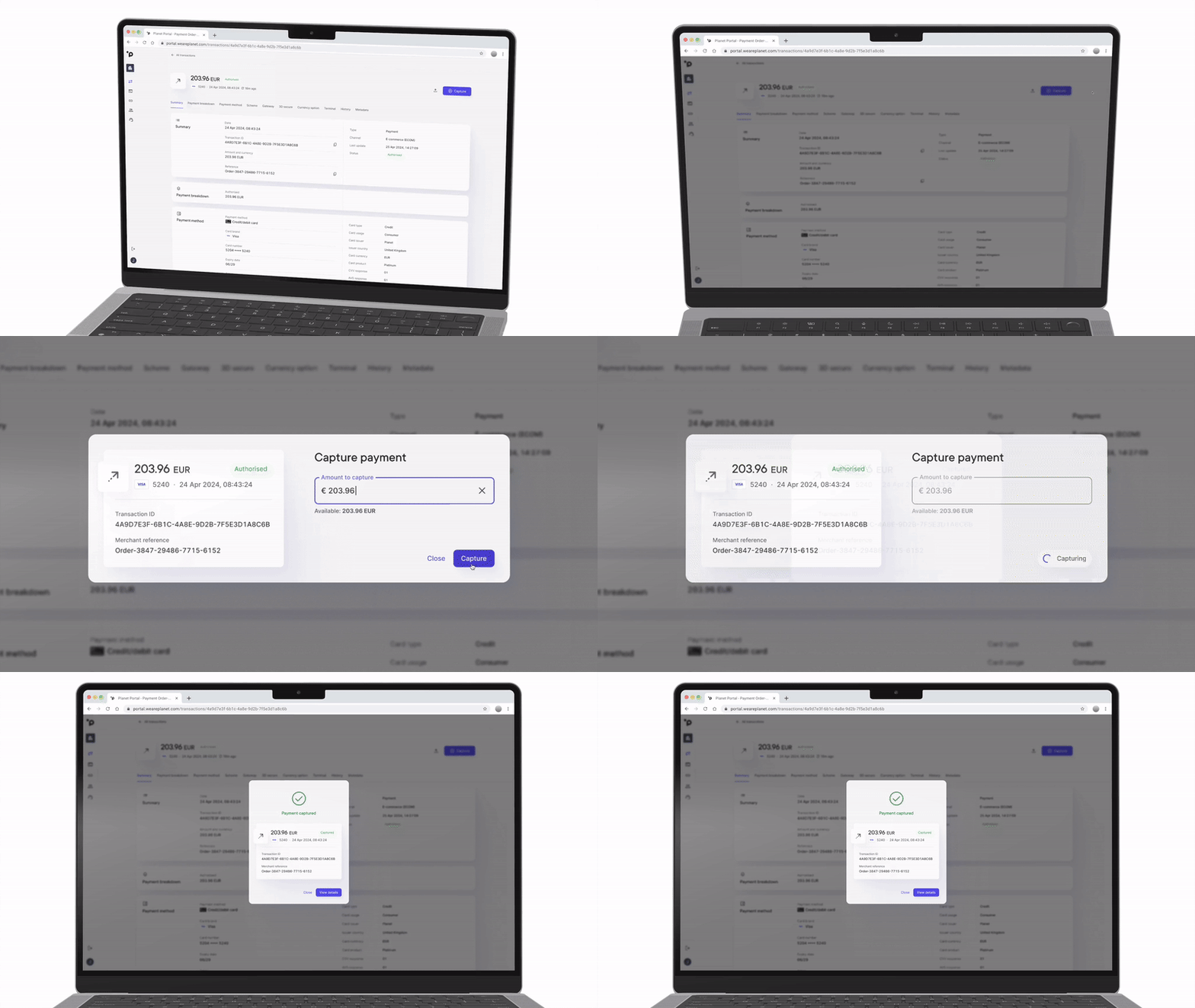
Early accessPlanet Portal is a new product currently available by request. Merchants are being onboarded and migrated gradually, so not all accounts have access. If your access is not available, contact your account representative to confirm your migration timeline.
About Planet
Planet provides integrated payment solutions worldwide for merchants across retail, hospitality, and e-commerce.
These solutions support in-store and online payments to enable merchants to accept and manage payments across channels, currencies, and markets, including Dynamic Currency Conversion (DCC), acquiring, and multi-currency processing.

Planet connects in-store and online payments, so merchants can offer the same experience across channels and locations.
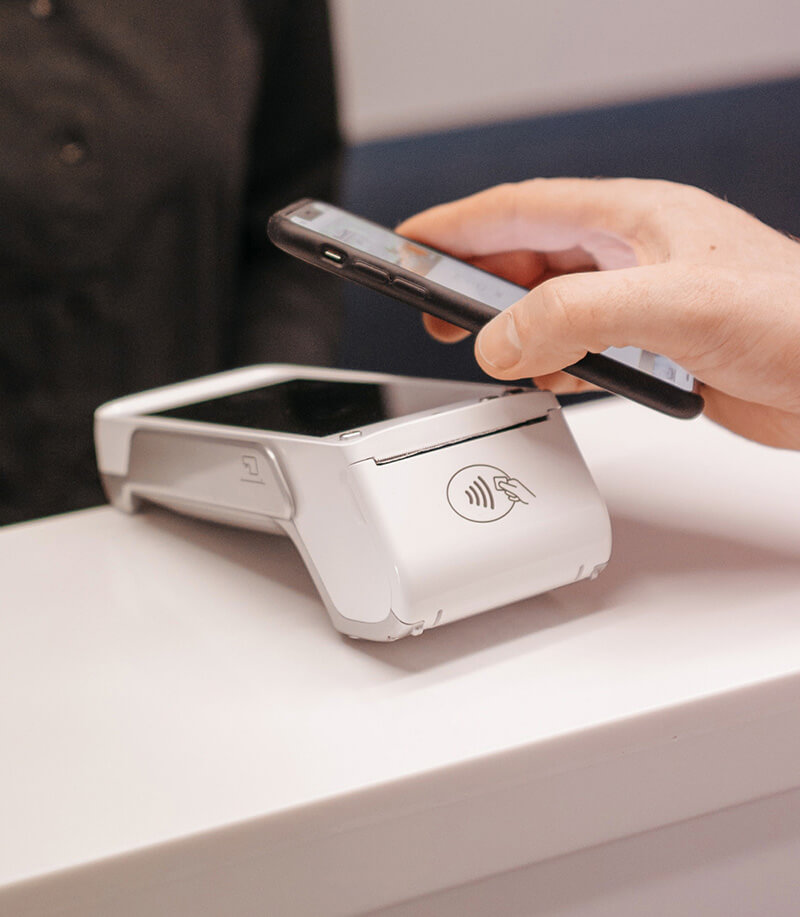
Use currency solutions and VAT Refund (Tax Free) services to support international shoppers and capture more value from each transaction.
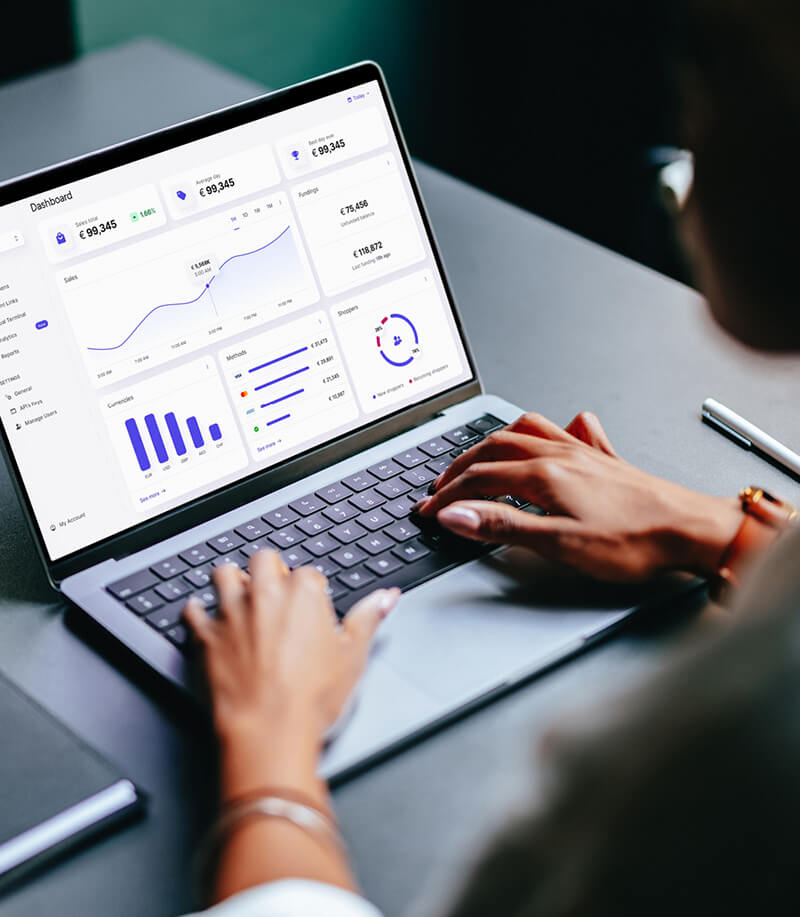
Use Planet as a single partner for payments, software, and Tax Free across markets, or adopt the solutions that fit your business.
New to payments?Contact Planet to learn more about available payment solutions, including POS, web and mobile checkouts, Dynamic Currency Conversion (DCC), and multi-currency processing.
Merchants worldwide use Planet to manage payments across channels and markets. Learn more at weareplanet.com.
Planet Portal
Planet Portal is a platform that helps merchants manage their payment operations in one place. It allows merchants to view and manage real-time payment transactions, process refunds, captures, and cancellations, and create and customise payment links for consumer checkouts. Merchants can also create payments using the Virtual Terminal and manage accounts and permissions.
The Portal supports daily payment operations with tools for reconciliation and transaction tracking. Merchants can view transaction flows, including pending payouts, and analyse data by location, such as city or region.
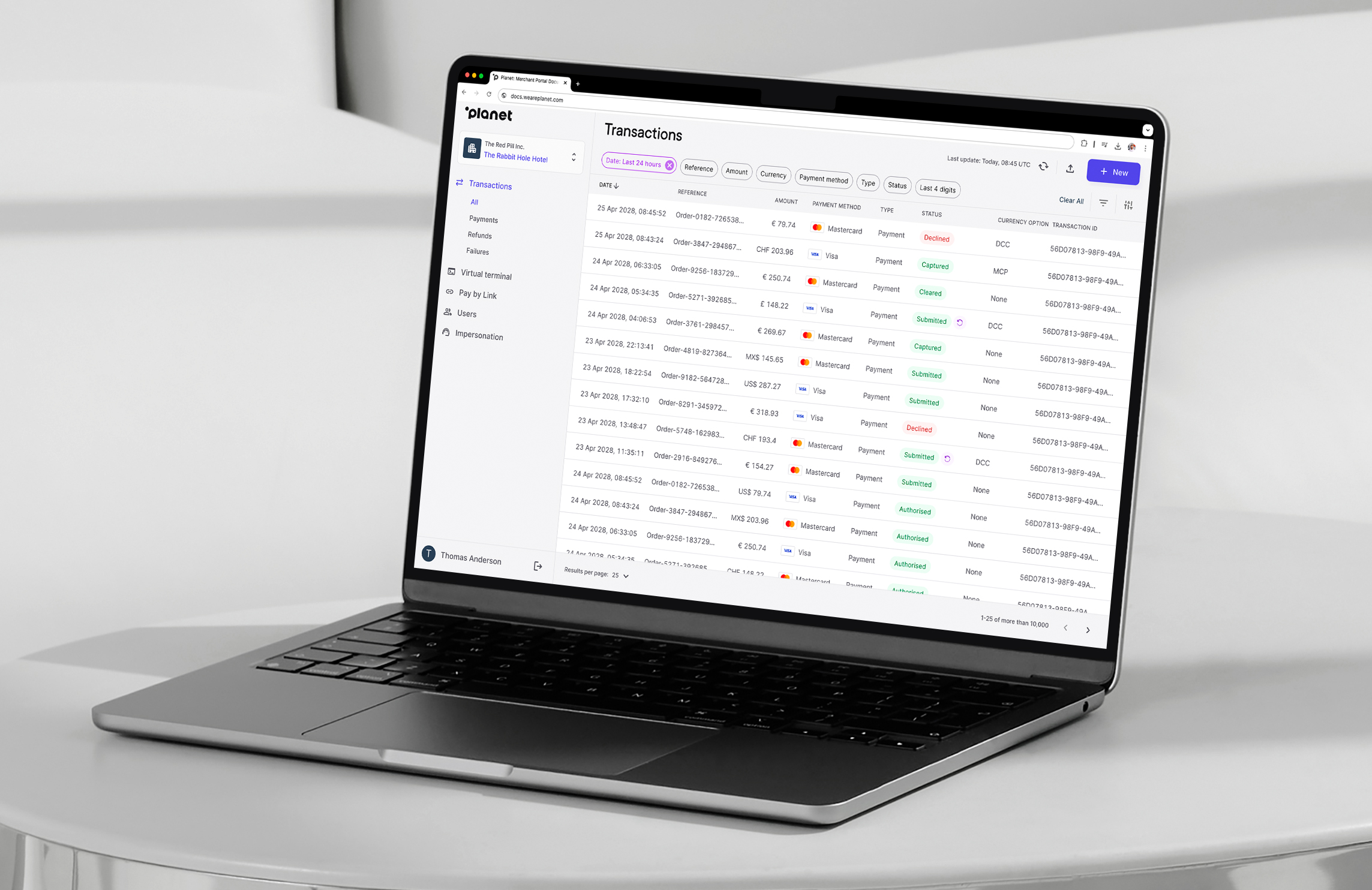
Replacing legacy portalsPlanet Portal replaces Planet’s existing portals (Datatrans, 3C, and MWEB) bringing payment operations into a single platform, with improved access to data and simplified workflows.
Planet Portal is under active development, with new capabilities such as POS terminal management, custom dashboards, and export options being introduced over time.
Planet’s Processing Gateways
Planet offers various payment gateways designed for the different needs of businesses processing. The 3C gateway supports both POS and e-commerce, while the Datatrans gateway supports e-commerce. Depending on the market and business model, you may require both gateways.
Need help choosing the right gateway?Contact your account representative if you are unsure which setup applies. If you are new to payments, contact Planet’s Sales team and we will guide you through our payment flows.
Important Links
Explore the documentation step by step or skip ahead to key sections:
Manage your personal details, update your credentials, and configure your preferences for the portal.
Access detailed insights into your payment transactions, including real-time status and history.
Add, edit, or remove accounts, and assign roles and permissions within your organisation.
Process card-not-present transactions securely through our online interface.
Generate secure payment links to share with customers for easy and fast payments.
Find answers to common questions about using the portal and troubleshooting issues.
Updated 6 months ago